


Many gamers have noticed that even by using various graphics mods for Red Dead Redemption 2, they still do not get the level of visual quality they expect from the game. This is where ReShade comes into play to upgrade our visual experience.
In my last post, I guided you through installing the Visual Redemption mod for RDR2. Since then, many of you have asked about the ReShade presets I use, which I featured in my YouTube tutorials. In this article, I am sharing the best ReShade presets for Red Dead Redemption 2, with my custom preset featured second on the list. If you try it and like the improvements, please consider leaving a comment with your feedback.
ReShade was created by a developer named Crosire, is a tool that significantly improves video game graphics. By pressing the ‘Home‘ button while playing, you can open ReShade to make the graphics clearer, adjust the colors, and brighten the game with ease. This flexibility enhances your gaming experience by allowing you to adjust visuals to your liking in real time.
How to Apply RDR2 ReShade Presets
- Install ReShade: First, download and install ReShade from its official site. Follow the steps to set it up for Red Dead Redemption 2.
- Run as Administrator: Ensure both your game and launcher are set to run as administrator. This prevents any loading issues with mods or presets.
- Check Compatibility: While most presets work well with other mods, it’s always a good idea to check the preset’s NexusMods page for any compatibility notes.
- Backup Game Files: Before installing any mods or presets, back up your game files. This makes it easy to restore your original settings if needed.
With these steps, you’ll be able to apply your chosen presets smoothly.
1. RDR2 Photorealistic ReShade
The RDR2 Photorealistic ReShade is considered one of the top ReShade presets for Red Dead Redemption 2. This preset makes the game’s visuals sharper, clearer, and more lifelike. It improves image clarity, deepens shadows, and makes colors more vivid, giving the game a more realistic appearance.
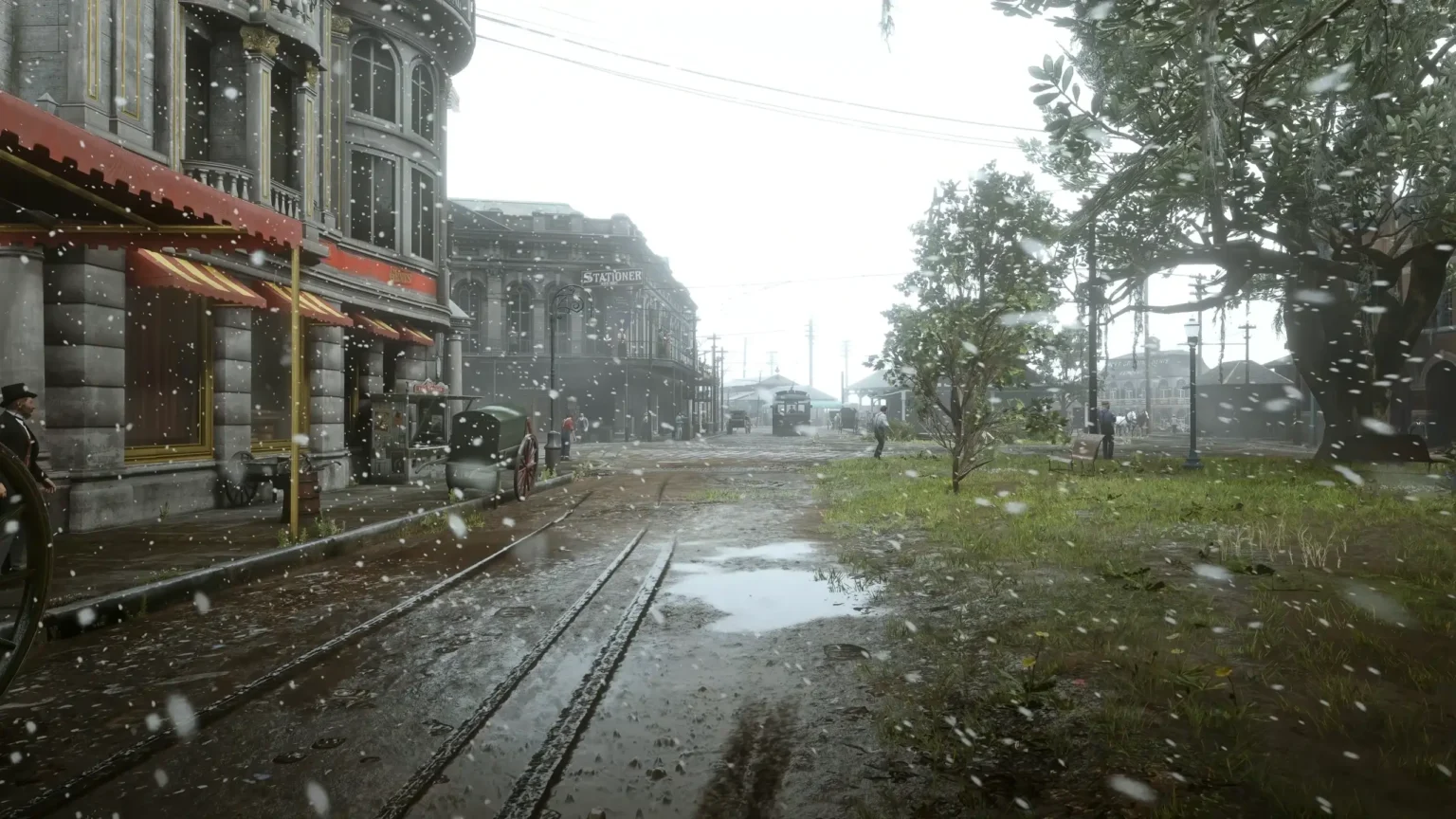
What sets this preset apart is its minimal impact on performance. It maintains a stable frames per second (FPS), ensuring smooth gameplay without any drops in performance. This makes it an excellent choice for players who want to improve the visual quality of their game without sacrificing playability. The preset works seamlessly with both Vulkan and DirectX 12 and is compatible with most other mods.
RDR2 Photorealistic ReShade Features
- Clearer and Sharper Visuals: Enhances texture details and sharpens images, making the game world more defined.
- Vibrant Colors: Brings out deeper and brighter colors, making the environment feel more alive.
- Improved Shadows: Adds depth to shadows, contributing to the overall realism of the scenes.
- Natural Lighting: Adjusts lighting to be more realistic, improving the look of different times of the day.
- Stable Performance: Keeps FPS consistent, ensuring the game runs smoothly.
- Compatibility: Works well with Vulkan, DirectX 12, and integrates easily with other mods.
Gamers highly rate this preset for significantly improving the look of night scenes and overall color quality, all while maintaining stable game speed. It’s praised for not compromising performance, making it a top choice for those looking to get the most out of Red Dead Redemption 2.
2. Lifelike Atmosphere Visuals Reshade Preset
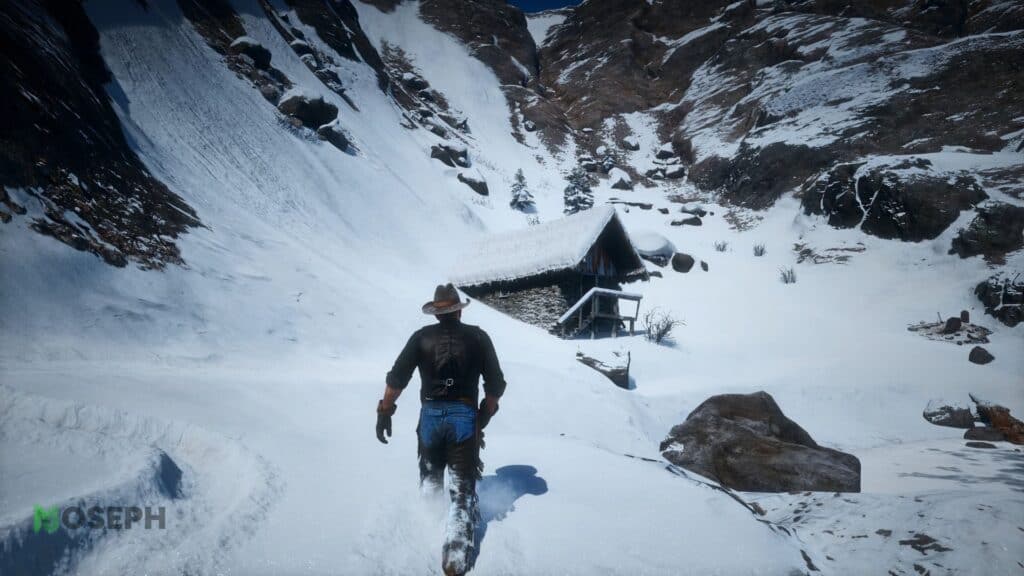
As the creator of the Lifelike Atmosphere Visuals ReShade, I aimed to improve the visual quality of Red Dead Redemption 2 by focusing on clarity, a natural look, and vibrant colors. This preset changes the game’s visuals, making them more immersive and realistic. Many players consider it one of the best ReShade presets for RDR2 due to how well it transforms the visuals while keeping the game’s feel intact.
Lifelike Atmosphere Visuals ReShade Features:
- Sunlight and Shadows: This preset improves how sunlight and shadows interact, adding depth and realism, especially during sunrise and sunset.
- Night Scenes: Nighttime visuals are enhanced with deeper, richer colors, better lighting, and clearer visibility, making night gameplay more engaging.
- Seasonal Effects: Snow and rain effects are more realistic, with light reflecting sharply off snow and wet surfaces.
- Weather Adaptation: Adjusts to various weather conditions, providing a consistent visual experience.
- Clarity and Detail: Sharpens images, deepens shadows, and improves colors, making the game world more detailed.
- Natural Colors: Colors are adjusted to look more vibrant and true to life.
Important Note on Performance:
This preset can reduce FPS on lower-end PCs, especially because of the “Clarity,” “Model Clarity,” “Model Clarity 2,” and sometimes “Luma Sharpen” settings. These settings improve model clarity but can be demanding on less powerful systems. If you experience FPS drops, open the ReShade menu by pressing [Home], and uncheck these options to find the best settings for your system.
On high-performance PCs, the preset generally runs well, but adjustments may be necessary for smoother gameplay on lower-end systems. A low-end PC version will soon be available on NexusMods.
For those seeking the best ReShade preset for RDR2, the Lifelike Atmosphere Visuals ReShade is highly recommended, though adjustments may be necessary on lower-end PCs to maintain smooth performance.
3. Realism and Immersion ReShade
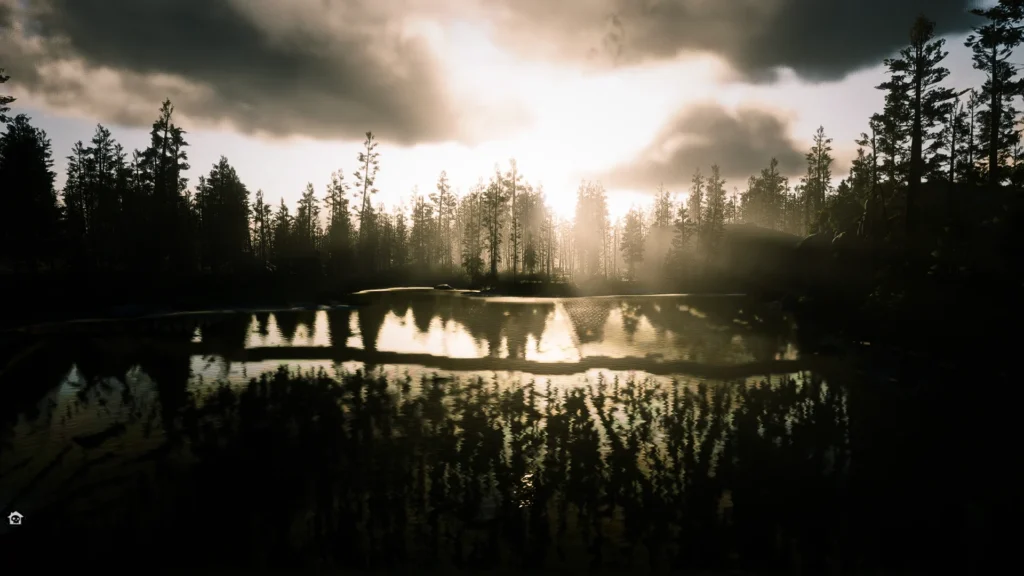
Realism and Immersion ReShade is designed to provide incredible visual quality without compromising performance. Created by LennySummers87, this preset enhances the realism of Red Dead Redemption 2, making the game world more immersive.
Realism and Immersion ReShade Features:
- Incredible Visual Quality: Enhances the overall visual quality of the game, making environments more realistic and detailed.
- Improved Lighting and Shadows: Refines the lighting and shadow effects to create a more immersive atmosphere. The improved shadows are darker and more pronounced, adding depth to the game world.
- Enhanced Environmental Details: Sharpens the textures and details of the game’s environments, from the foliage to the terrain, making everything look more lifelike.
- Performance Optimization: Ensures that the enhancements do not negatively impact the game’s performance, providing a smooth and enjoyable gaming experience.
Realism and Immersion ReShade provides a high-quality visual experience for Red Dead Redemption 2, making the game world more detailed and lifelike while ensuring smooth performance. If you find this preset enhances your gaming experience, please consider leaving feedback.
4. CG ReShade
The CG ReShade preset offers a somewhat realistic visual enhancement for Red Dead Redemption 2, focusing on improving the overall atmosphere of the game. Created by CarterGeddings, this preset is designed to enhance the natural beauty of the game while maintaining performance.
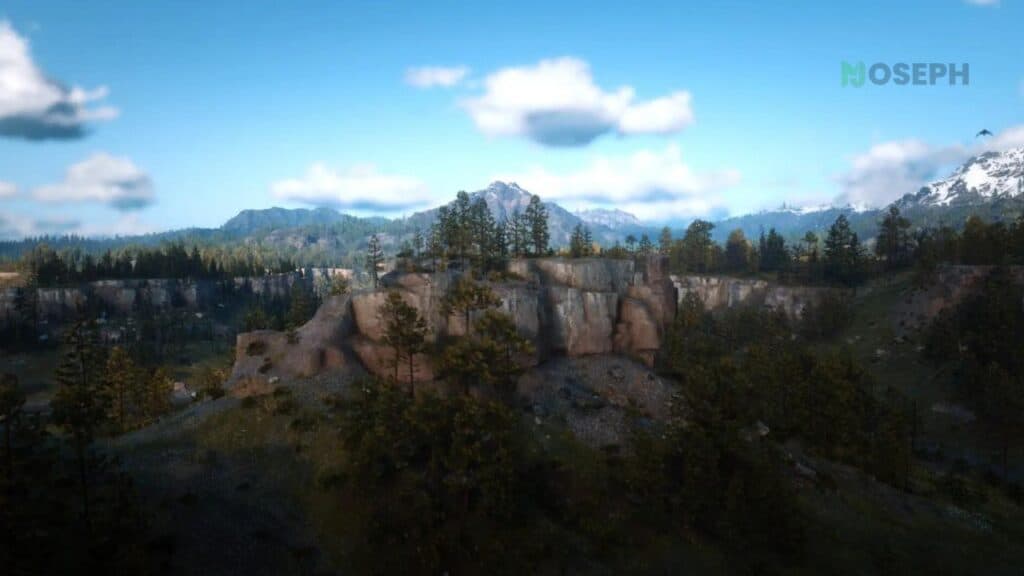
CG ReShade Features:
- Natural Lighting: CG ReShade enhances the game’s lighting to create a more realistic and immersive environment, particularly during daytime scenes. This improvement brings out the details in the terrain and foliage.
- Enhanced Sky and Water Textures: The preset improves the textures of the sky and water, making these elements look more vivid and lifelike. The reflections on water bodies and the gradient of the sky are noticeably more dynamic.
- Weather Effects: The preset adapts to different weather conditions, enhancing the visual impact of rain, fog, and other weather-related elements. This feature makes the game world feel more alive and responsive to weather changes.
- Improved Foliage and Terrain: Vegetation and terrain textures are sharpened and more detailed, adding depth and realism to the game’s natural settings. This enhancement is particularly noticeable when exploring forests and grassy areas.
The CG ReShade preset enhances the natural beauty of Red Dead Redemption 2, providing a more immersive and realistic experience without significantly impacting performance. If you enjoy the improvements, please consider leaving a comment with your feedback.
5. Realistic ReShade with No Performance Loss and Fog Removal Option
This ReShade preset subtly improves the visuals in Red Dead Redemption 2 by sharpening clarity and bringing out more depth in the game’s graphics without making them look overly sharp. Everything from the expansive landscapes to the intricate details of characters becomes more distinct.
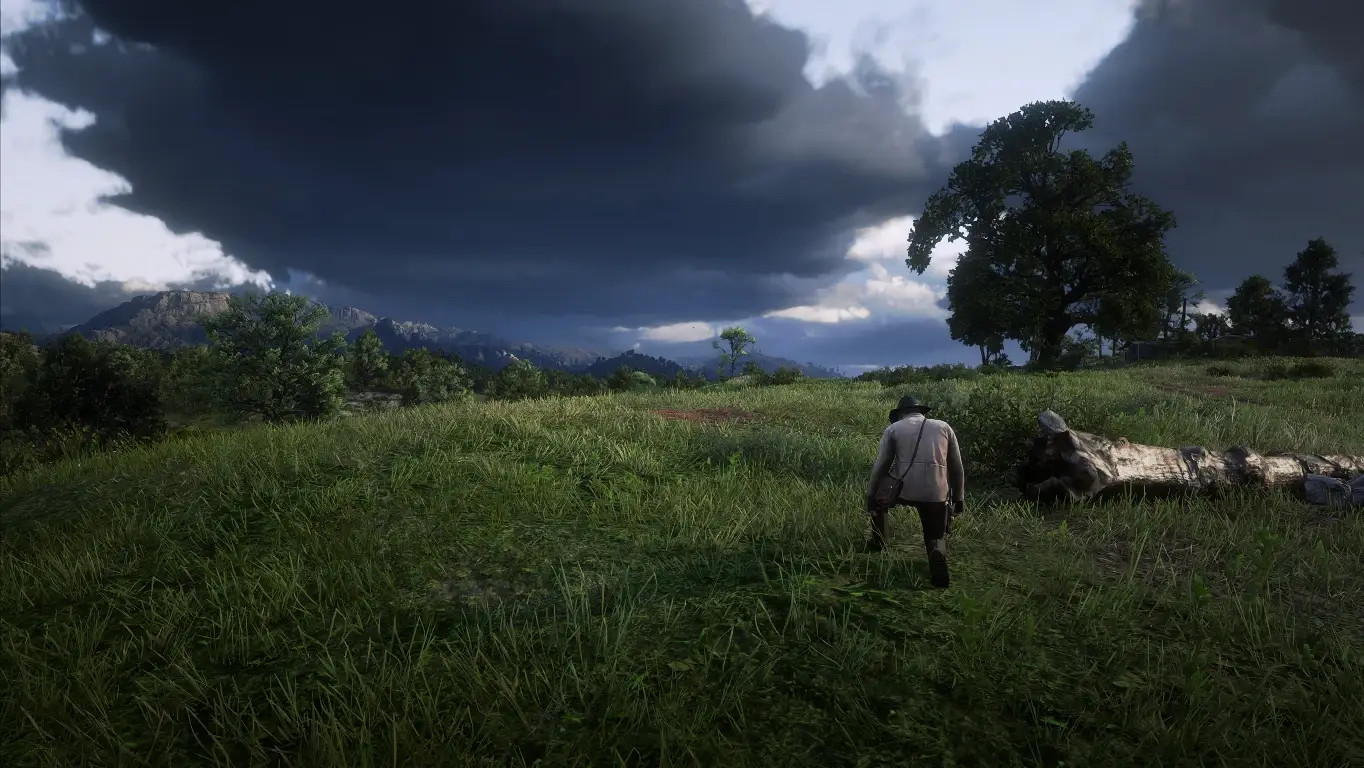
The fog removal feature provides clearer, more vivid views, especially in typically misty areas, enhancing the overall visual experience. Best of all, it achieves these improvements without affecting the game’s performance, ensuring that your gameplay remains smooth.
Realistic Reshade With No Performance Loss And Fog Removal Option Features:
- No Performance Loss: This preset is optimized to enhance visuals without impacting game performance, ensuring smooth gameplay with stable FPS.
- Fog Removal Option: Includes an option to remove fog, providing clearer and more detailed views of the game environment, especially in distant landscapes.
- Enhanced Lighting: Improves the overall lighting in the game, making scenes look more natural and visually appealing.
- Sharpness and Clarity: Increases the sharpness and clarity of textures, making details more defined and enhancing the visual depth of the game.
- Compatibility: Supports both Vulkan and DirectX 12, ensuring it works seamlessly with your preferred graphics API.
- Easy Toggle: Allows easy toggling of the ReShade effects using the “Page Up” key and “Scroll Lock” to toggle ReShade on and off.
This preset not only enhances the visual appeal but also maintains optimal performance, making it an excellent choice for gamers who do not want to compromise on smooth gameplay.
6. Reshade Natural Vision
This ReShade preset improves the visuals of Red Dead Redemption 2 by offering more vibrant and clear visuals without dramatically changing the original game’s look. It is designed for players who want to enjoy more vivid scenery while maintaining the game’s authentic feel.
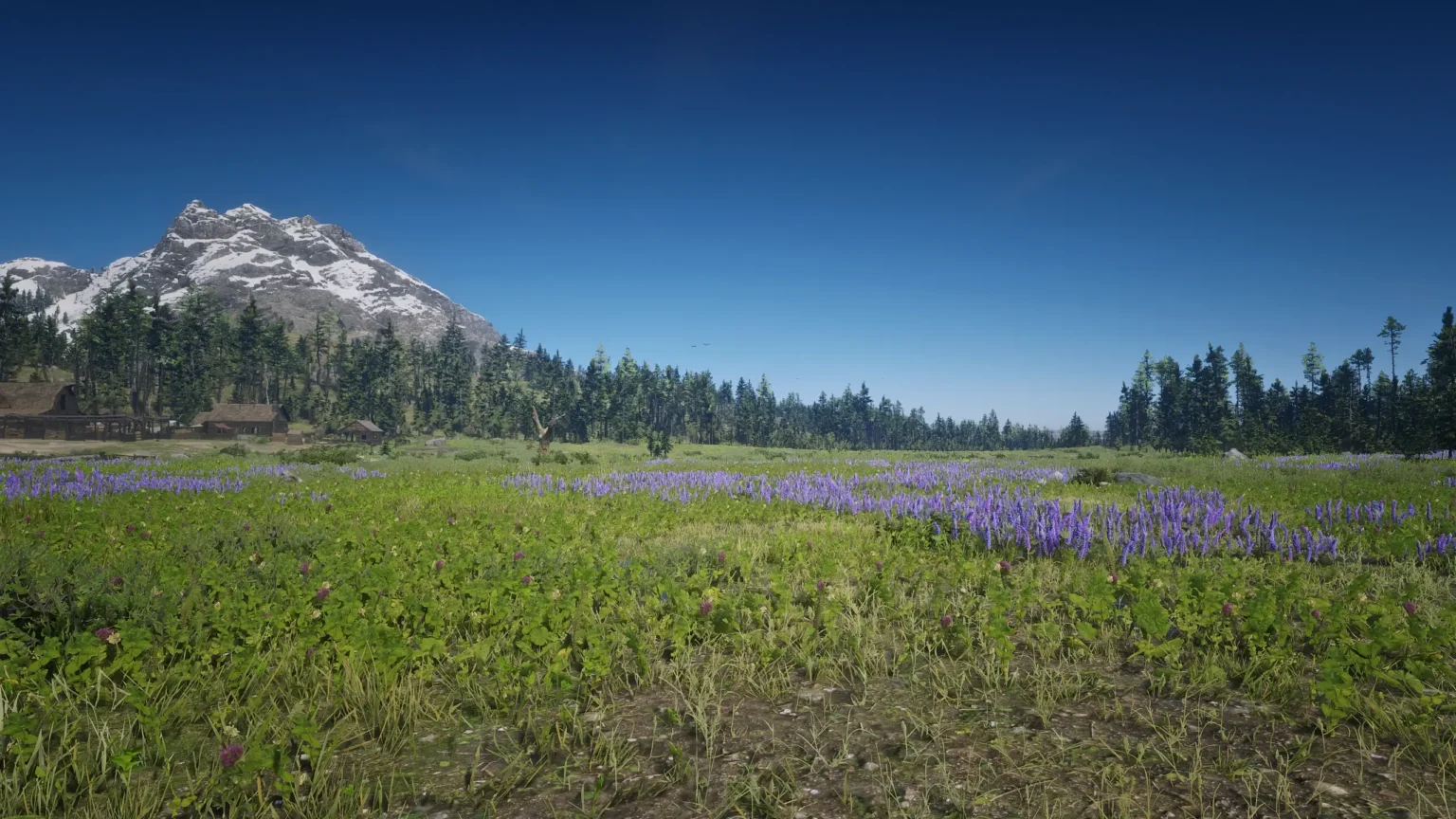
The “Lite” version is optimized to prevent any drop in performance, ensuring stable gameplay. It also includes settings that allow you to adjust the color intensity, making the game’s environment more appealing to your visual preferences.
ReShade Natural Vision v1.5 Features:
- Enhanced Colors: Improves the color palette to make the game world appear more vibrant and lifelike without over-saturating the visuals.
- Improved Shadows: Adds depth and realism to shadows, making them darker and more defined, which enhances the overall atmosphere.
- Increased Sharpness: Enhances the clarity and detail of textures, making the game’s environment, characters, and objects look more defined and realistic.
- Balanced Lighting: Adjusts lighting to provide a more natural look, ensuring that both daytime and nighttime scenes are visually appealing and immersive.
- Performance Friendly: Designed to enhance visuals without significantly impacting game performance, ensuring smooth gameplay.
7. Photo-realism ReShade
The Photo-realism ReShade preset improves the colors and details in Red Dead Redemption 2, offering a more immersive visual experience while maintaining the game’s original aesthetics.
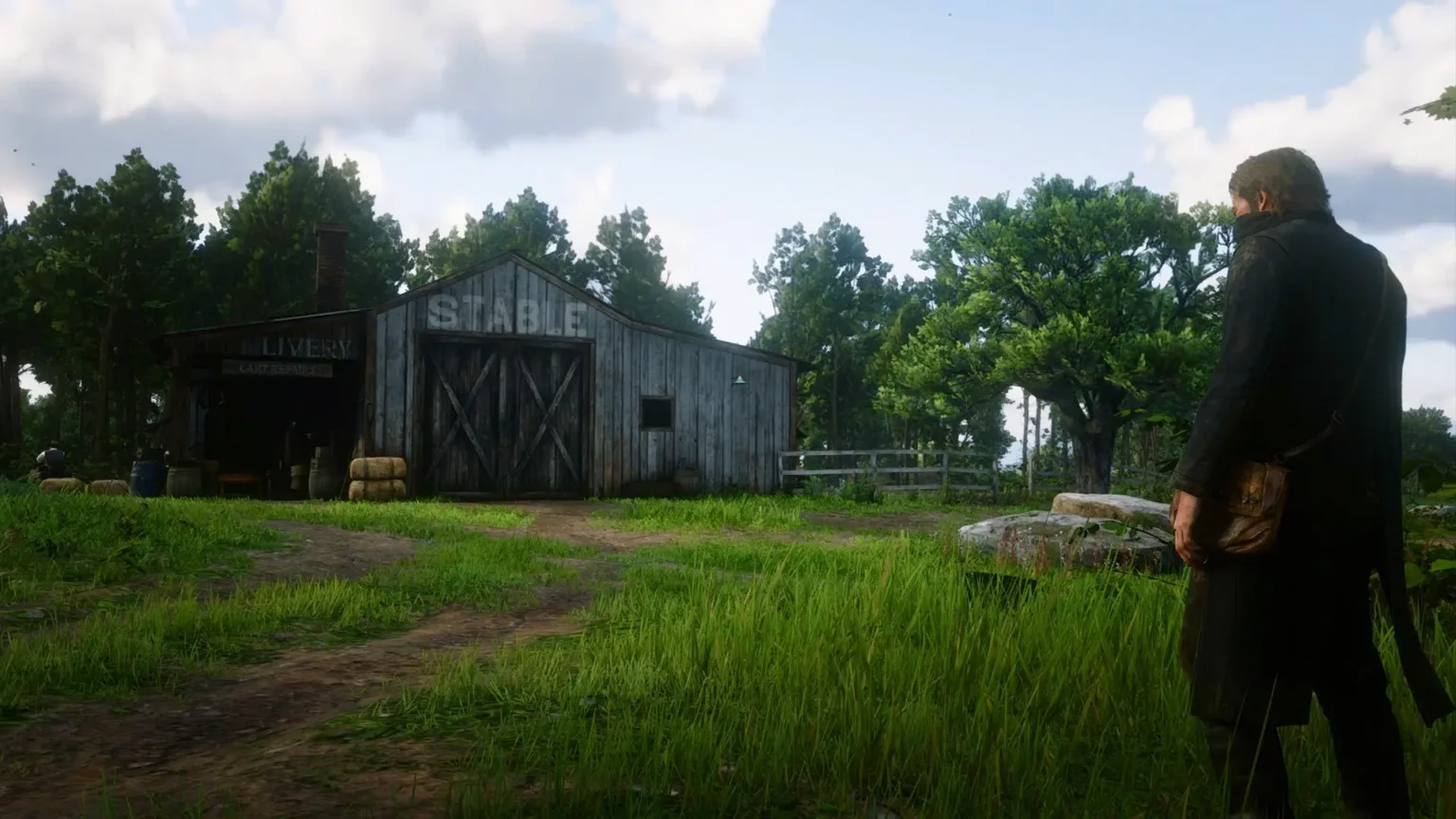
While this preset boosts visibility and color depth, some users have noted that it may render the game’s visuals too vibrant, which could detract from the natural look of the environment.
Photo-Realism ReShade Features:
- Enhanced Visual Realism: Increases the overall realism of the game’s visuals, making environments, characters, and objects look more lifelike.
- Improved Lighting and Shadows: Refines lighting and shadow effects to create a more immersive atmosphere. Light sources appear more natural, and shadows are darker and more defined.
- Sharpened Textures: Enhances the clarity and detail of textures, making every element of the game world, from foliage to buildings, appear sharper and more detailed.
- Vibrant Colors: Adjusts the color palette to be more vibrant and true-to-life, enhancing the visual appeal of the game.
- Balanced Brightness and Contrast: Fine-tunes brightness and contrast levels to ensure scenes are neither too dark nor too bright, providing a balanced visual experience.
This approach ensures that while the enhancements are significant, they do not overwhelm the game’s intended visual style, providing a balanced enhancement suited for those seeking both realism and improved graphics quality.
8. Lighting And Color Correction For RDR2
This ReShade preset is recognized for improving the visual experience in Red Dead Redemption 2 by subtly refining saturation, contrast, and sharpness. It adjusts lighting to suit various in-game conditions, making visuals more vivid and detailed while maintaining the game’s authentic atmosphere.
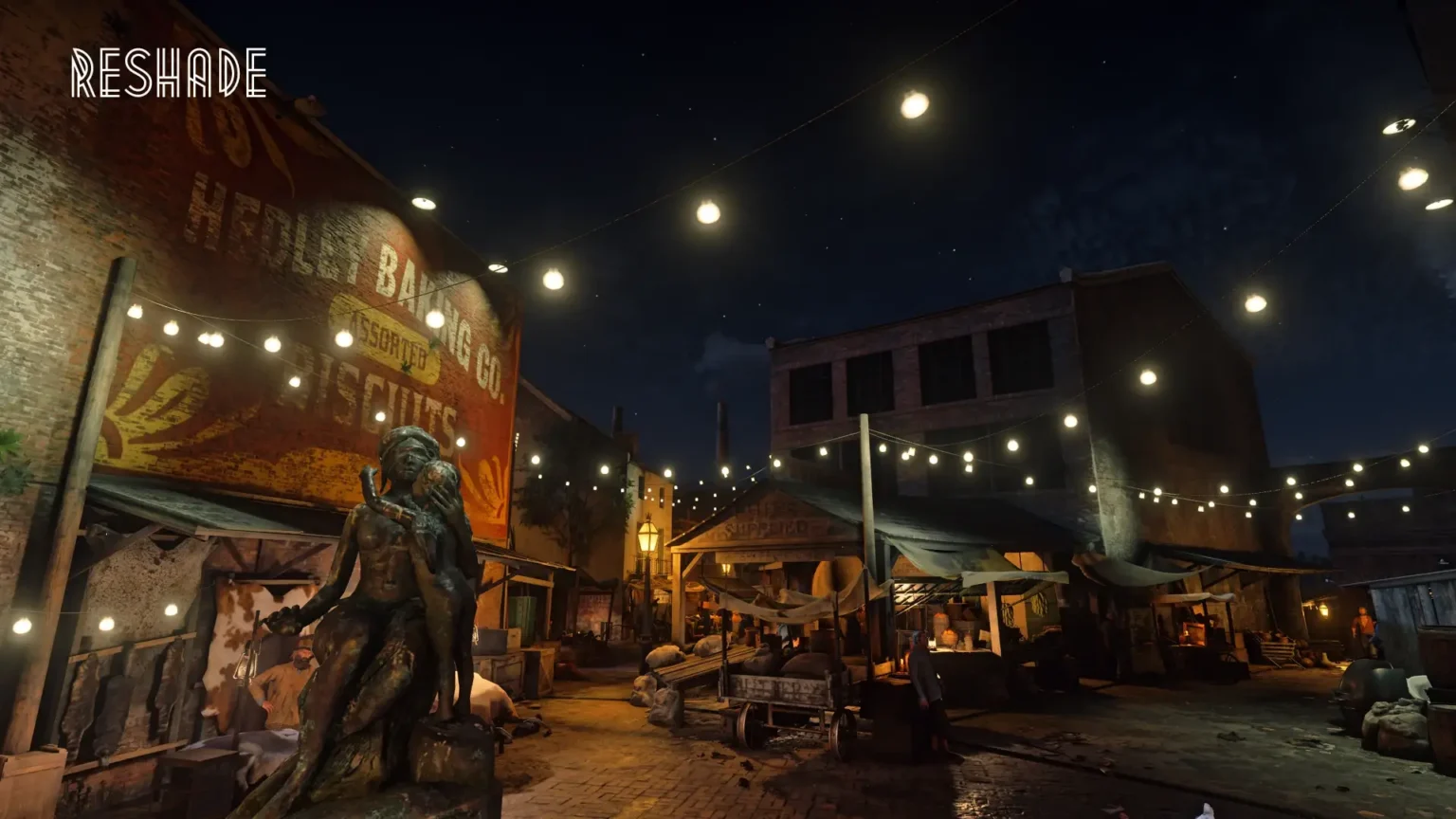
It’s well-regarded by gamers for its ability to improve the game’s aesthetics without impacting performance, making it ideal for those who value smooth gameplay.
Lighting and Color Correction for RDR2 Features:
- Enhanced Lighting: Adjusts the in-game lighting to be more realistic and visually appealing, providing a more immersive experience during both day and night.
- Improved Color Correction: Refines the color palette to be more balanced and natural, enhancing the vibrancy of the game world without over-saturation.
- No Performance Loss: Optimized to ensure that the visual improvements do not negatively impact game performance, maintaining stable FPS and smooth gameplay.
- Sharpened Visuals: Increases the sharpness of textures and details, making the environment, characters, and objects look more defined and clear.
- Simple and Effective: Designed to be a straightforward preset that enhances the game’s visuals significantly with minimal setup and easy activation.
This preset is favored for players looking to subtly improve their game’s visuals, providing a significant visual upgrade without compromising game performance.
9. RDR2 Visual Overhaul
The RDR2 Visual Overhaul reshade preset refines Red Dead Redemption 2 by optimizing light and color balance to more accurately mirror real-world environmental conditions.
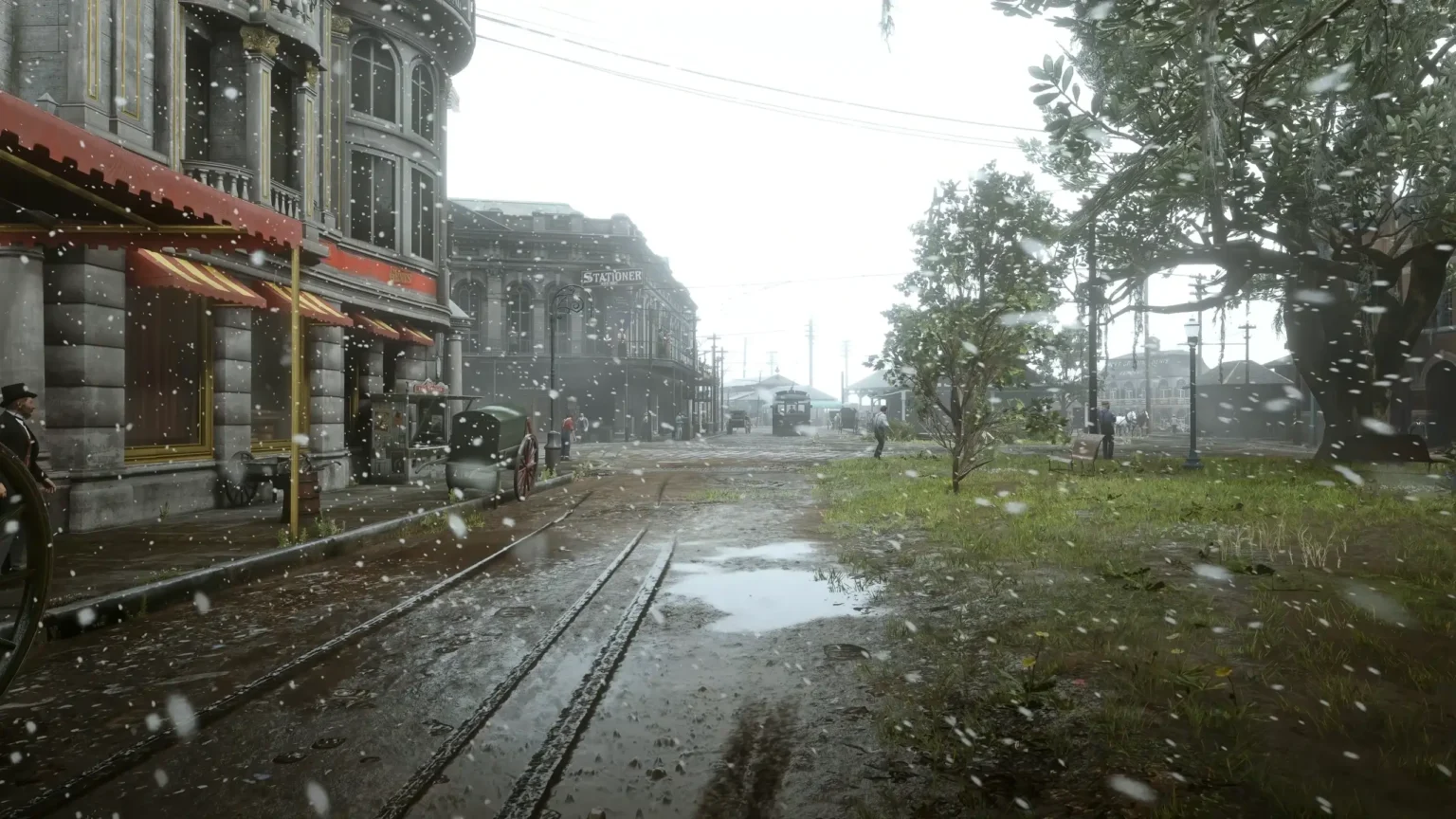
RDR2 Visual Overhaul Features:
- Enhanced Graphics: Focuses on enhancing the already impressive graphics of Red Dead Redemption 2, providing a more polished and refined visual experience.
- Balanced Visuals: Avoids the over-the-top adjustments seen in many “Photorealistic” or “Filmic” presets, ensuring the game retains its natural look while still looking better.
- Improved Lighting: Adjusts the in-game lighting to be more realistic and visually appealing, enhancing the atmosphere of different environments and times of the day.
- Sharper Details: Enhances the sharpness and clarity of textures, making every detail of the game world, from characters to landscapes, appear more defined.
- Vibrant Colors: Fine-tunes the color palette to make the game world more vibrant and lifelike without over-saturation.
This preset is acclaimed for maintaining the original game’s aesthetic while improving visual clarity and color depth, which significantly heightens the immersive gameplay experience. Users commend this reshade for bringing out the game’s vibrant and lifelike environments without the artificial over-saturation common in other mods.
This reshade is widely praised for its ability to subtly but effectively elevate the visual experience in Red Dead Redemption 2, making it a top choice for gamers looking to enhance the realism of the game’s expansive world without impacting performance.
10. Realistic HDR Reshade Preset
The Realistic HDR Reshade Preset for Red Dead Redemption 2 is widely appreciated for its ability to revitalize the game’s visual palette without overwhelming the original aesthetics.
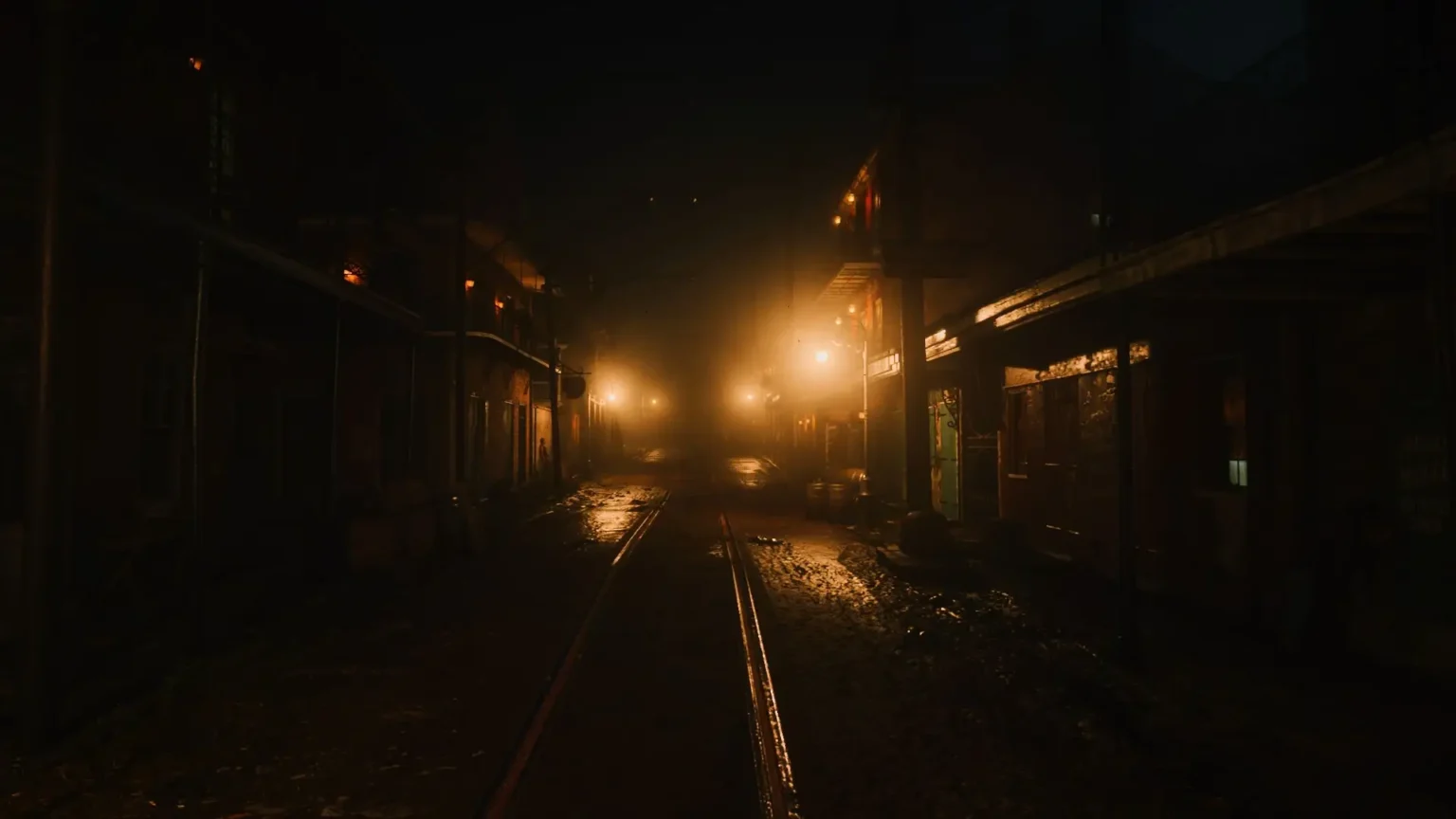
By incorporating subtle improvements to the game’s HDR capabilities, it enhances color depth and shadow detail, bringing the virtual world to life in a way that feels both vibrant and true to the source material.
This preset is particularly noted for its balanced approach, enhancing nighttime scenes and interior lighting, making them feel more dynamic and immersive.
Realistic HDR ReShade Preset Features:
- High Dynamic Range (HDR) Enhancement: Adds HDR effects to improve the range between the lightest and darkest parts of the screen, making scenes more dynamic and visually striking.
- Enhanced Color: Increases the color intensity slightly to make the game world look more vibrant and lifelike without over-saturation.
- Darker Shadows: Adds depth to shadows, making dark areas more pronounced and improving the overall contrast in scenes.
- Sharpened Visuals: Improves the sharpness of textures and details, making the environment, characters, and objects look more defined and clear.
- Performance Friendly: Designed to enhance visuals without significantly impacting game performance, ensuring smooth and consistent gameplay.
11. Ultra-realistic Preset (Remastered)
The Ultra-realistic Preset (Remastered) refines the visual elements of Red Dead Redemption 2 by adding depth to lighting and shadows, improving color fidelity for a more natural look.
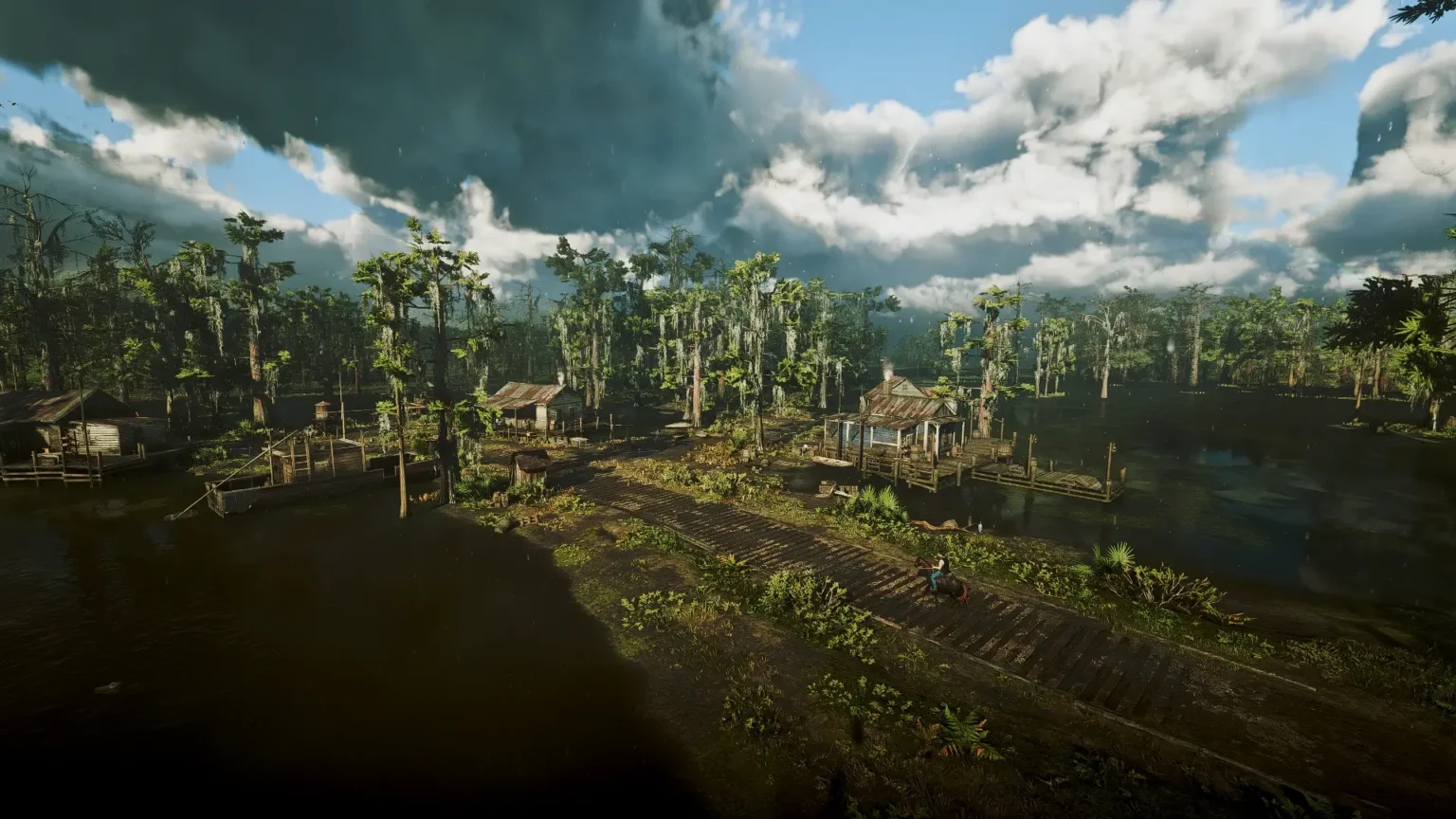
This preset is optimized for high-performance PCs, emphasizing subtle yet impactful enhancements that deepen the immersive experience of the game without shifting its original art style.
Ultra-Realistic Preset (Remastered) Features:
- Ideal Colors and White Balance: Enhances the color palette and white balance to provide a more natural and visually pleasing experience, ensuring colors are vibrant yet realistic.
- Improved Lighting: Refines the lighting to create a more dynamic and immersive atmosphere, making both daytime and nighttime scenes look more lifelike.
- Enhanced Shadows: Adds depth to shadows, making them darker and more defined, which enhances the overall contrast and visual depth of the game.
- Sharper Details: Increases the sharpness of textures and details, making the environment, characters, and objects look more defined and clear.
- Performance Optimization: Designed for powerful PCs, this preset ensures enhanced visuals while maintaining optimal performance.
This preset significantly improves the visual quality of Red Dead Redemption 2, providing gamers with a richer and more immersive visual experience that enhances the game’s natural beauty.
12. Absolute Correction for RDR2
Absolute Correction for RDR2 reshade preset addresses the common critique of overly washed-out visuals in the PC version of Red Dead Redemption 2. By fine-tuning the color depth and reducing the pervasive greenish-gray tint, this preset aligns more closely with the richer color palette found in console versions.
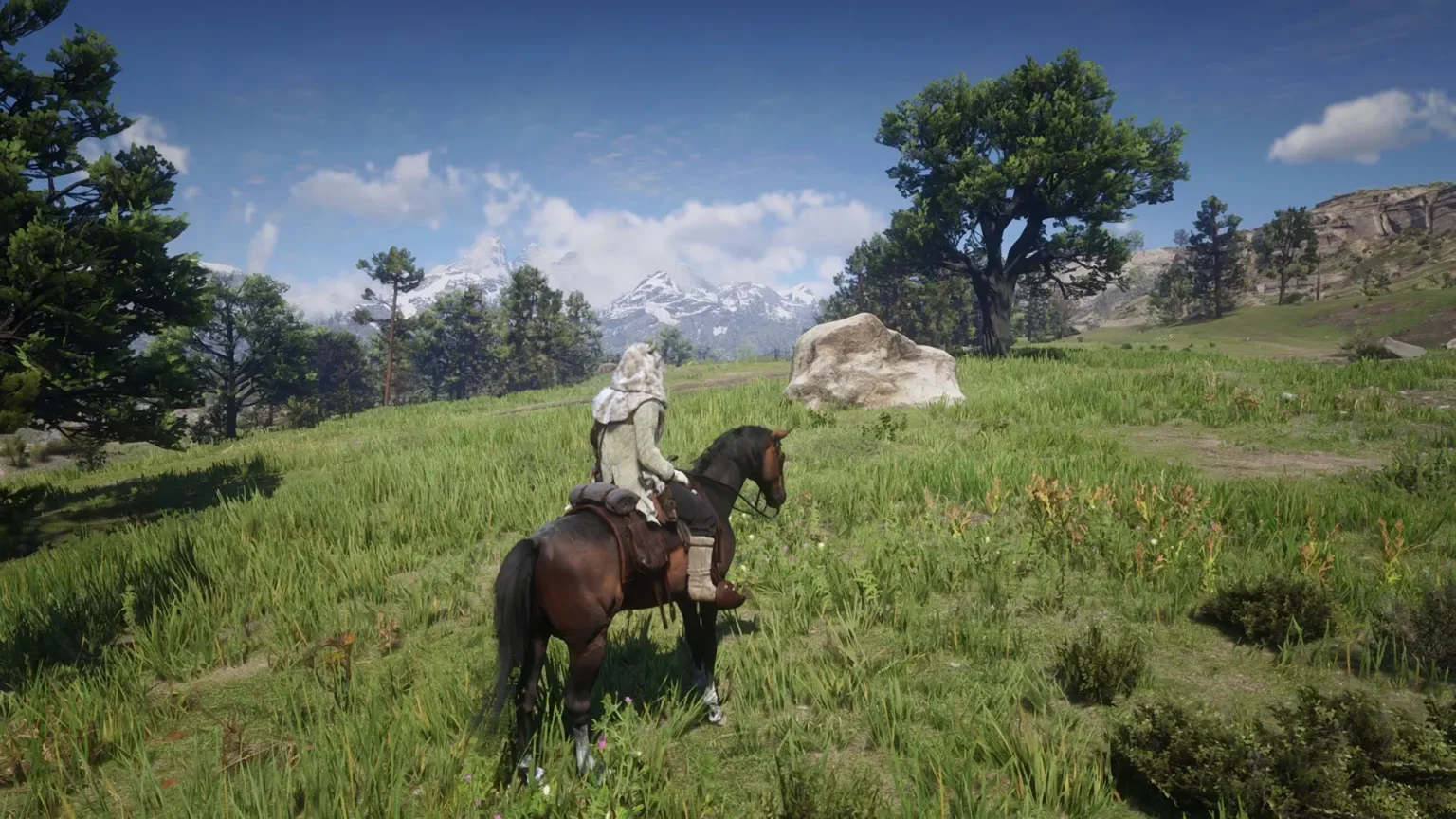
Gamers have celebrated this preset for enhancing the visual fidelity without compromising the original atmosphere. They note the improved contrast and colors that add a realistic layer to the gaming experience without pushing into the realm of over-saturation or excessive contrast.
Many appreciate that it does not merely “paint over” the game’s visuals but actually restores depth to Red Dead Redemption 2’s sprawling landscapes.
Absolute Correction for RDR2 Features:
- Subtle Color Correction: Adjusts the color palette to provide a more balanced and natural look, enhancing the overall visual appeal without oversaturation.
- Enhanced Contrast: Fine-tunes the contrast levels to make scenes appear more dynamic and realistic, adding depth to the visuals.
- Sharpening Enhancement: Increases the sharpness of textures and details, making the environment, characters, and objects look more defined and clear.
- Natural Lighting: Improves the lighting effects to create a more immersive atmosphere, ensuring that both daytime and nighttime scenes are visually appealing and realistic.
- Performance Friendly: Designed to enhance visuals without significantly impacting game performance, ensuring smooth gameplay.
This preset refines the visual presentation to offer a more immersive and visually appealing experience without straying far from the game’s original aesthetic intent.
13. Hint Reshade
Hint Reshade refines the visual details in Red Dead Redemption 2 by focusing on fine-tuning color depth and sharpening in-game graphics. This preset is crafted to bring out a higher level of clarity and enrich the game’s visual ambiance without altering the core aesthetic.
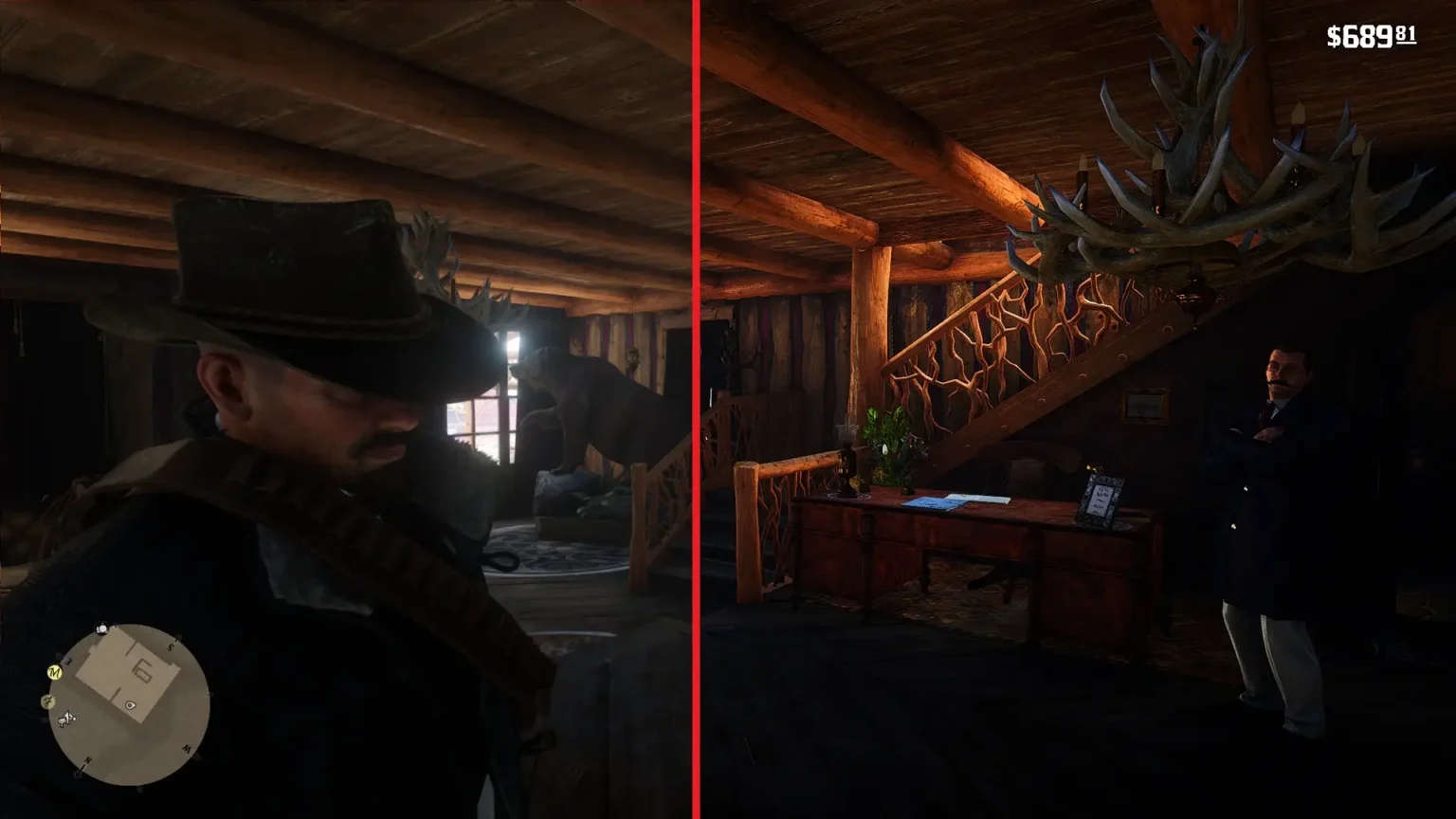
It’s well-regarded for its balanced approach, helping to preserve the original atmosphere while providing a clear and vibrant visual experience.
Hint ReShade Features:
- Vivid Colors: Enhances the color palette to make the game world appear more vibrant and lively, capturing the feeling of a lush “wild west.”
- Improved Lighting: Adjusts the lighting to create a more realistic and visually appealing atmosphere, enhancing both daytime and nighttime scenes.
- Balanced Contrast: Fine-tunes the contrast levels to provide a more dynamic and immersive visual experience, adding depth to the scenes.
- Sharper Details: Increases the sharpness of textures and details, making the environment, characters, and objects look more defined and clear.
- Natural Aesthetic: Aims to enhance the game’s visuals without overdoing it, ensuring a balanced and immersive experience that stays true to the original aesthetic.
Hint Reshade provides a more immersive visual experience in Red Dead Redemption 2, sharpening the graphics while maintaining the game’s authentic atmosphere.
Comparison Table: RDR2 Best ReShade Presets
As we wrap up, here’s a comparison of the top ReShade presets available for Red Dead Redemption 2. The table below outlines key details like API compatibility, performance impact, and unique features of each preset, helping you find the one that suits your system and gameplay style best.
| Preset Name | Author | API Compatibility | Performance Impact | Unique Feature |
|---|---|---|---|---|
| RDR2 Photorealistic ReShade | Anamist | Vulkan, DirectX 12 | Minimal | Significantly enhances night scenes |
| Lifelike Atmosphere Visuals ReShade | Joseph Matino | Vulkan, DirectX 12 | Minimal | Custom preset designed for natural look and clarity |
| CG ReShade | CarterGeddings | Vulkan, DirectX 12 | Minimal | Minimal performance impact |
| Realism and Immersion ReShade | LennySummers87 | Vulkan, DirectX 12 | Minimal | Realistic and immersive experience |
| Realistic ReShade with No Performance Loss and Fog Removal Option | srgamerio | Vulkan, DirectX 12 | None | Fog removal feature |
| Natural Vision V1.5 ReShade (Lite – Colors Vision Available) | ANAKITZ | Vulkan, DirectX 12 | Minimal | Colors Vision available |
| Photo-realism ReShade | drsubo | Vulkan, DirectX 12 | None | Balanced color and detail adjustment |
| Lighting and Color Correction for RDR2 (With No Performance Loss) | TheRealAB | Vulkan, DirectX 12 | None | Color correction with no performance impact |
| RDR2 Visual Overhaul | noxide1234 | Vulkan, DirectX 12 | None | Natural color correction |
| Ultra-realistic Preset (Remastered) | RusGameTactics | Vulkan, DirectX 12 | For high-performance PCs | HDR adjustments |
| Realistic HDR ReShade Preset | Buu1 | Vulkan, DirectX 12 | Minimal | HDR adjustments |
| Absolute Correction for RDR2 | mikeywander | Vulkan, DirectX 12 | Minimal | Matches console color profiles |
| Hint ReShade | Hundsfott | Vulkan, DirectX 12 | None | Subtle clarity and color adjustments |
Using the right ReShade presets can make Red Dead Redemption 2 look even better, with more vibrant colors, realistic lighting, and sharper visuals. Each preset has its own strengths and works differently depending on your system.
Keep in mind that what you see in my videos might look slightly different on your screen because of monitor variations. The gameplay shown in my preset walkthrough was recorded on an HP U32 4K monitor with a 60Hz refresh rate. If you’re curious about my PC setup, you can find more details in my gaming setup and performance section.
If you’re looking to optimize your PC further, you might find my guide on How To Undervolt Intel CPU For Cooler Temperatures Using XTU helpful.